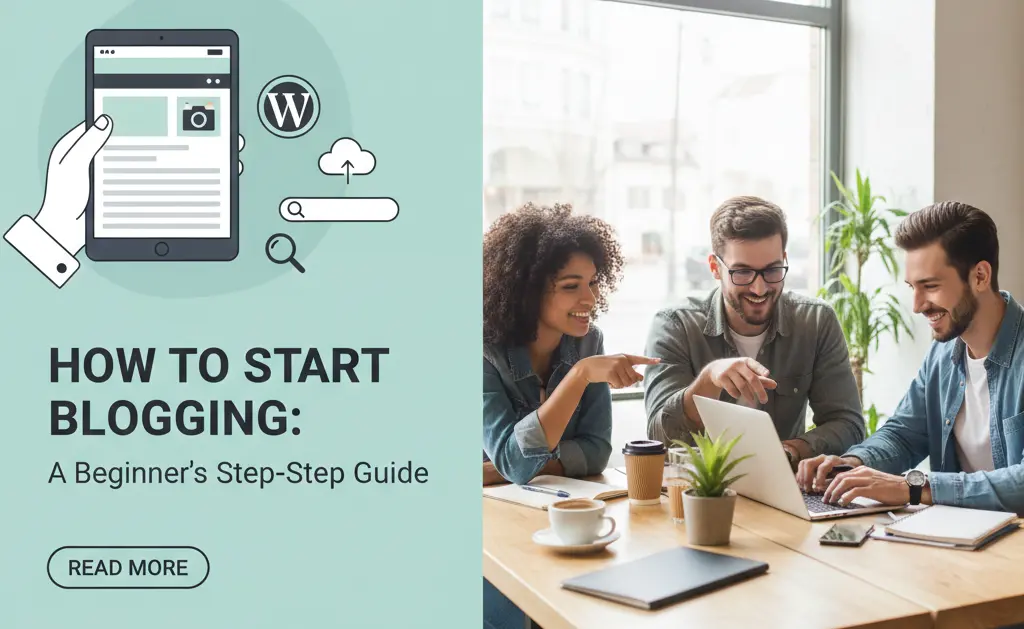
Blogging has evolved from a simple online diary to a powerful platform for sharing ideas, building communities, and even generating income. Whether you want to establish yourself as an expert, share your passions, or create a business, starting a blog can be an incredibly rewarding endeavor. If you’re new to the world of blogging, this step-by-step guide will help you get started on the right foot.
Step 1: Define Your Niche and Target Audience
Before you write your first post, think about what you want to blog about. What are you passionate about? What topics do you have expertise in? Choosing a niche helps you focus your content and attract a dedicated audience. Once you have a niche, consider who you’re trying to reach. Understanding your target audience will inform your writing style, topics, and overall content strategy.
Step 2: Choose Your Blogging Platform
There are many blogging platforms available, each with its own pros and cons. For beginners, popular choices include:
- WordPress.org: This is the most popular and flexible option, giving you full control over your blog. It requires self-hosting.
- WordPress.com: A hosted solution that’s simpler to set up but offers less control than WordPress.org.
- Blogger: A free, easy-to-use platform owned by Google, great for personal blogs.
- Squarespace/Wix: All-in-one website builders that offer beautiful templates and integrated blogging features.
For maximum control and scalability, WordPress.org is often recommended, but choose the platform that best fits your technical comfort level and long-term goals.
Step 3: Select a Domain Name and Web Hosting (for Self-Hosted Blogs)
If you opt for a self-hosted platform like WordPress.org, you’ll need two things:
- Domain Name: This is your blog’s address on the internet (e.g., yourblogname.com). Choose something memorable, relevant to your niche, and easy to type.
- Web Hosting: This is where your blog’s files are stored. Reputable hosting providers like Bluehost, SiteGround, or WP Engine offer optimized plans for WordPress.
Many hosting providers offer domain name registration as part of their hosting packages, making setup easier.
Step 4: Set Up Your Blog (Installation and Customization)
Once you have your platform, domain, and hosting (if applicable), it’s time to set up your blog:
- Install WordPress: Most hosting providers offer a one-click WordPress installation tool, making this process very simple.
- Choose a Theme: A theme dictates the visual design of your blog. Select one that is clean, responsive (looks good on all devices), and aligns with your brand. There are thousands of free and premium themes available.
- Install Essential Plugins (WordPress): Plugins add functionality to your blog. Consider plugins for SEO (like Yoast SEO), security, caching for speed, and contact forms.
- Create Essential Pages: Set up an “About Me/Us” page, a “Contact” page, and a “Privacy Policy” page.
Step 5: Plan Your Content Strategy
What will you write about? Brainstorm a list of topics within your niche that your target audience would find interesting or helpful. Consider creating a content calendar to plan your posts in advance, ensuring a consistent publishing schedule. Think about different content formats, such as how-to guides, listicles, reviews, personal stories, or news updates.
Step 6: Write Your First Blog Post
Don’t overthink it – just start writing! Your first post doesn’t need to be perfect. Focus on providing value to your readers. Structure your posts with clear headings, short paragraphs, and bullet points to make them easy to read. Include a compelling introduction and a strong conclusion.
Step 7: Optimize for Search Engines (Basic SEO)
To help people find your blog through search engines like Google, learn some basic Search Engine Optimization (SEO) techniques:
- Keyword Research: Identify keywords and phrases your target audience uses when searching for information related to your niche.
- On-Page SEO: Include your main keyword in your post title, headings, and throughout the content naturally. Optimize your images with alt text.
- Meta Description: Write a concise and engaging meta description that encourages clicks from search results.
Step 8: Promote Your Blog
Writing great content is only half the battle; you need to promote it to get readers:
- Social Media: Share your posts on relevant social media platforms.
- Email List: Start building an email list from day one to notify subscribers about new posts.
- Networking: Engage with other bloggers and communities in your niche.
- Guest Posting: Write guest posts for other blogs to reach a new audience.
Step 9: Analyze and Iterate
Once your blog is live, use analytics tools (like Google Analytics) to track your traffic, popular posts, and how users interact with your site. Use this data to understand what’s working and what isn’t, and then adjust your content and strategy accordingly.
Starting a blog is a journey, not a destination. Be patient, consistent, and passionate, and your blog will grow over time. Good luck!